Beginner Digital Skills Pathway — Foundational Tech Literacy
SkillNest's Beginner Digital Skills path empowers Class 3–5 children to master computer essentials, touch typing, Scratch visual coding, and digital safety through live online classes.
🧠 Discover Your Personality Type
Take India's most practical HEXACO personality assessment — 100 science-backed questions designed for students. Understand your strengths, learning style & career fit in minutes.
What should beginners learn first?
Beginners aged 8–10 should first learn computer basics, including file structures and hardware operations, followed by touch typing to build keyboard muscle memory. Additionally, they should study basic digital safety rules and introductory block coding, such as visual Coding Program, to develop logical and computational thinking skills safely.
Beginner Path Core Skills
Specifically structured for Class 3–5 children to establish critical computer foundations with zero prior experience.
Computer Orientation
Touch Typing Habits
Scratch Logic Fundamentals
Digital Safety & Ethics
6-Week Learning Roadmap
Computer Basics
Touch Typing
Internet Skills
Scratch visual logic
Digital Safety
Scratch Showdown
Recommended Programs
Recommended Courses
Beginner Path Expected Outcomes
| Topic Area | Before SkillNest | After SkillNest |
|---|---|---|
| Computer Literacy | Confused about mouse clicks and folders | Creates directory folders, uses key shortcut commands |
| Typing Habits | Hunt-and-peck using two index fingers | Touch typing correct home-row habits, 20+ WPM speed |
| Coding & Logic | Passive gaming consumption on phone | Builds interactive visual logic Scratch games from scratch |
| Cyber Safety | Clicks popups blindly, shares profile details | Recognizes suspicious alerts and protects private profiles |
Beginner Student Projects
Hands-on, creative creations built entirely by our Class 3–5 students.
1. Interactive Arcade Game
2. Animated Visual Story
3. Shortcut Digital Poster
Parent Guidance for Ages 8–10
Helping young children establish healthy technology screen-time habits is a collaborative journey. We recommend:
- ✔Setup a dedicated study desk with a desktop mouse to build proper forearm support.
- ✔Encourage 15 minutes of home typing practice daily on our custom software.
- ✔Observe Coding Program showcases to build confidence through active presentations.
Interactive Batch Setup
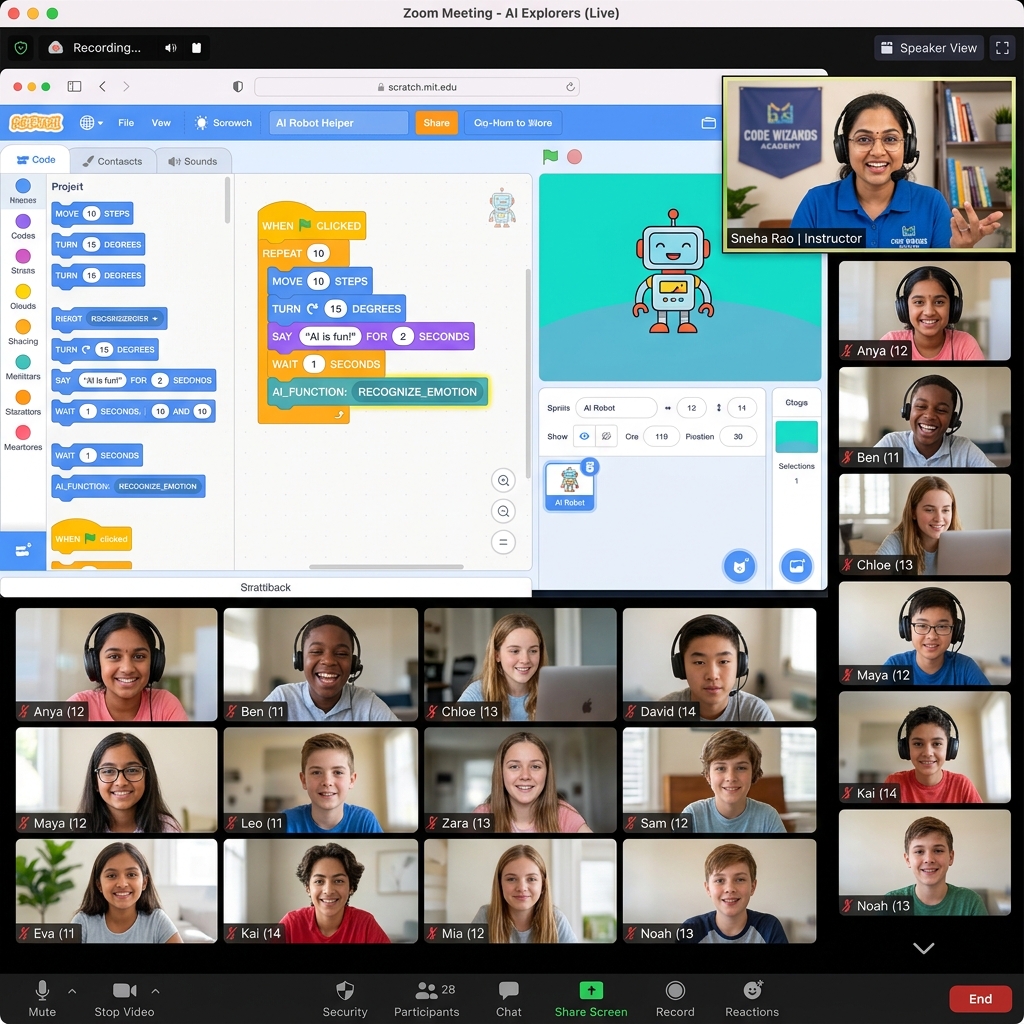
Our online classes are designed to replace boring, long lectures with hands-on, highly social coding clubs:
Available Across India
Our online cohort brings live, high-quality, practical computer orientation to primary school students across major metropolitan clusters and regional education hubs. Parents in Bhopal and Indore frequently enroll children in the Beginner path to build core coding logic before transitioning to middle school AI tools. We maintain active student clusters in Raipur, Delhi, Mumbai, Pune, Bangalore, and Hyderabad, aligning our coding curriculum to modern school board requirements.
Parents Also Ask (PAA)
Beginner Path FAQ
Related Resources
Continue Your Learning Journey
Ignite Your Child's Computer Journey
Reserve a live online demo session to test their keyboard touch baseline and logical reasoning skills.
Book Free Demo Class →