Intermediate Digital Skills Pathway — Core Productivity & AI
SkillNest's Intermediate path trains Class 6–8 students to master MS Excel calculations, Canva design, slide presentations, and safe AI tools through live online classes.
🧠 Discover Your Personality Type
Take India's most practical HEXACO personality assessment — 100 science-backed questions designed for students. Understand your strengths, learning style & career fit in minutes.
What digital skills should students learn after computer basics?
After computer basics, middle school students aged 11–13 should learn practical productivity tools: Canva for visual presentations, MS Word for reports, and MS Excel for structured calculations. Additionally, they should be introduced to safe, ethical AI tools like ChatGPT and study critical cyber safety principles.
Intermediate Path Core Skills
Carefully paced for Class 6–8 students to master digital tools used globally in high school and careers.
Visual Design
Spreadsheet calculations
PowerPoint Slides
AI Tools & Prompts
6-Week Learning Roadmap
Canva foundations
Presentations Mastery
MS Excel Basics
Data Charts
AI Prompting Basics
Productivity Showcase
Recommended Programs
Recommended Courses
Intermediate Path Expected Outcomes
| Topic Area | Before SkillNest | After SkillNest |
|---|---|---|
| Visual Design | Cluttered slides, boring layouts | Polished Canva design posters, balanced presentation decks |
| Spreadsheets | No Excel knowledge, manual math | Structured data cells, SUM/AVERAGE formulas, visual charts |
| AI Competence | Unaware of AI tools, uses it to cheat | Safe prompting rules, critical assessment, plagiarism checks |
| Public Speaking | Scared of school slide presentation projects | Confidently delivers presentations with clean slide timings |
Intermediate Student Projects
Hands-on presentation and data models built by Class 6–8 students.
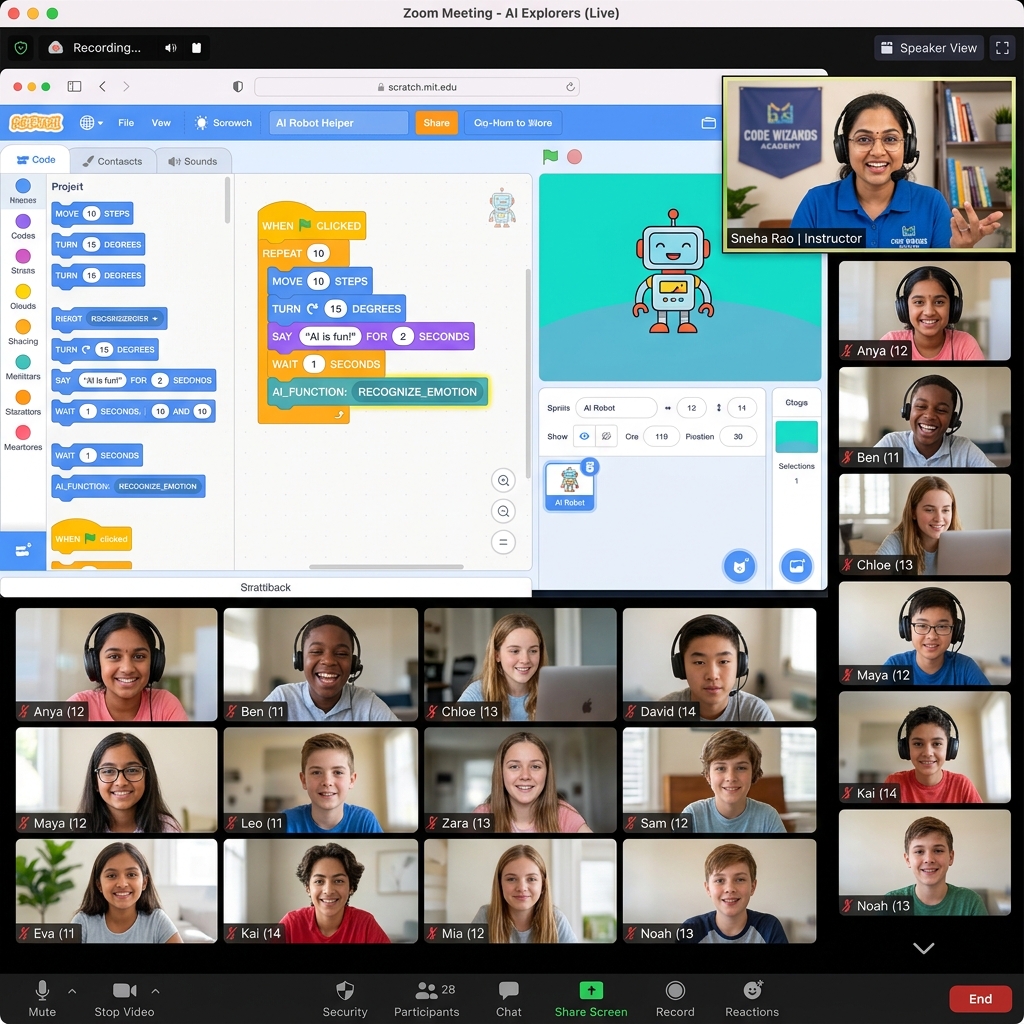
1. Science school presentation
2. Expense pocket tracker
3. AI-supported research essay
Parent Guidance for Ages 11–13
Middle schoolers are entering a highly active online phase. We advise parents to:
- ✔Setup browser safety block filters and keep laptops in open living areas.
- ✔Review slide projects together to help improve their public speaking stance.
- ✔Set a balanced, healthy screen-time limit of 2 hours daily, focusing on productivity.
Interactive Batch Setup
Our online learning environment focuses heavily on practical skill building, not boring tests:
Available Across India
Our online cohort brings live, high-quality, practical computer orientation to middle school students across major metropolitan clusters and regional education hubs. Parents in Delhi, Mumbai, and Pune frequently enroll Class 6–8 children in the Intermediate path to build key spreadsheet competencies before moving to board exams. We maintain active student clusters in Raipur, Bhopal, Indore, Bangalore, and Hyderabad, aligning our productivity curriculum to modern school board requirements.
Parents Also Ask (PAA)
Intermediate Path FAQ
Related Resources
Continue Your Learning Journey
Upgrade Your Child's Academic Toolkit
Schedule a 1-on-1 diagnostic demo to verify their presentation stance and visual graphics baseline.
Book Free Demo Class →